
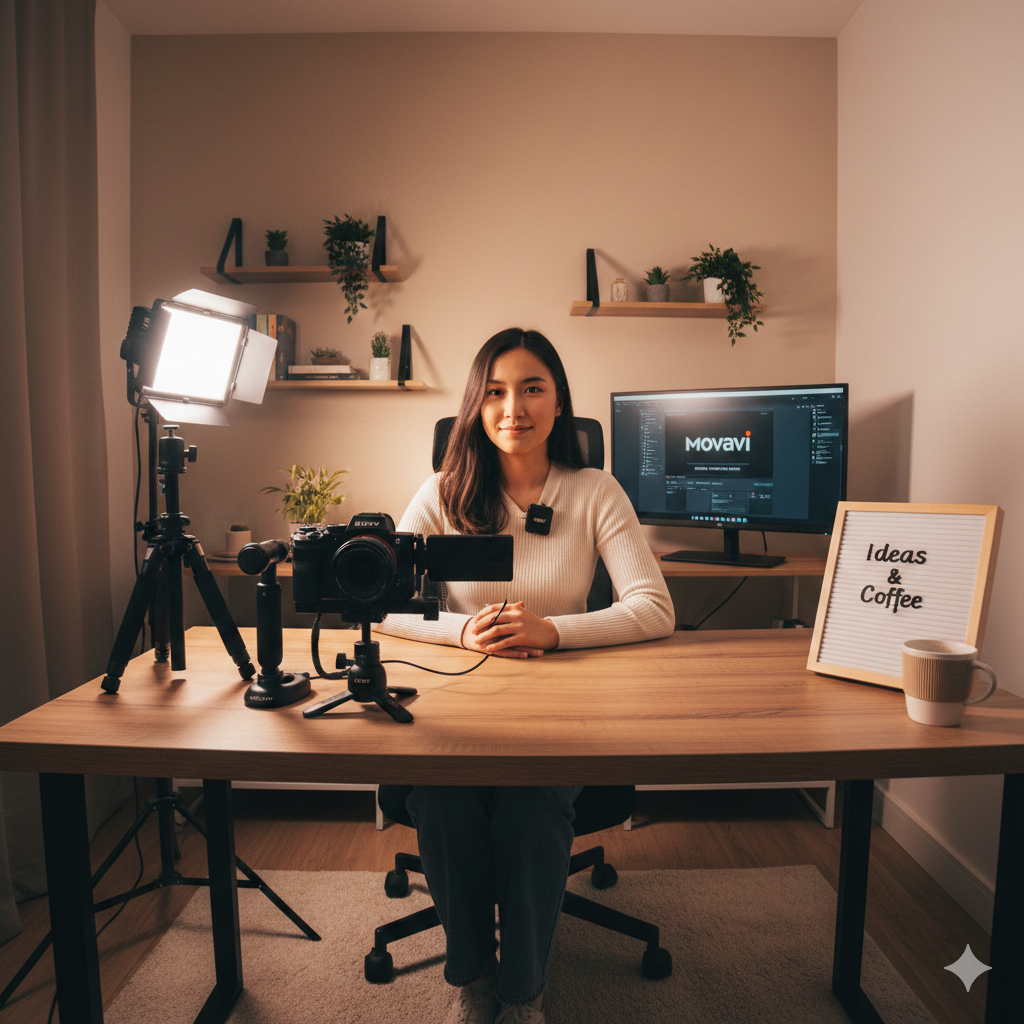
Creating high-quality content doesn’t require a Hollywood budget. In 2026, thanks to advancements in AI and affordable hardware, you can build a professional-grade studio for around $500 (excluding your main camera). Here is how to assemble the perfect setup.
1. The Foundation: Lighting (The Most Important Part)
Lighting is what separates amateurs from pros. We use the Amaran 60D S.
- The Setup: Place your light at a 45-degree angle from your face. This creates a “cinematic” shadow on one side of your face, giving you depth.
- Cost Tip: Use a cheap white umbrella or a softbox to make the light “soft” and flattering on your skin.
2. The Sound: DJI Mic 2
Bad video is watchable, but bad audio is not.
- The Setup: Clip the DJI Mic 2 to your shirt. In 2026, we use the “32-bit float” recording feature so our audio never distorts, even if we shout.
- Pro Tip: Use a small piece of foam (deadcat) if you have a fan running in your studio to block wind noise.
3. The Stability: NEEWER Tripod & SmallRig Cage
- The Setup: Mount your Sony ZV-E10 II inside the SmallRig HawkLock Cage. This allows you to attach your microphone and light directly to the camera if needed.
- The Angle: Set your tripod so the lens is at eye level. This creates a direct connection with your audience.
4. The Lens: Sony 11mm f/1.8
For small rooms, the Sony 11mm is a lifesaver. It makes your small bedroom look like a spacious studio and provides that beautiful blurred background that screams “professional.”
5. The AI Post-Production (Final Touch)
Once filmed, run your footage through Movavi Video Editor 2026. Use the AI Background Noise Removal to clean up any remaining hum from your computer or AC.
Conclusion
Your studio is a tool, not a trophy. Start with this $500 setup, and as your channel grows, you can expand. The key is to start creating today with the gear you have.